Reset your password Reset your password

Reset your password

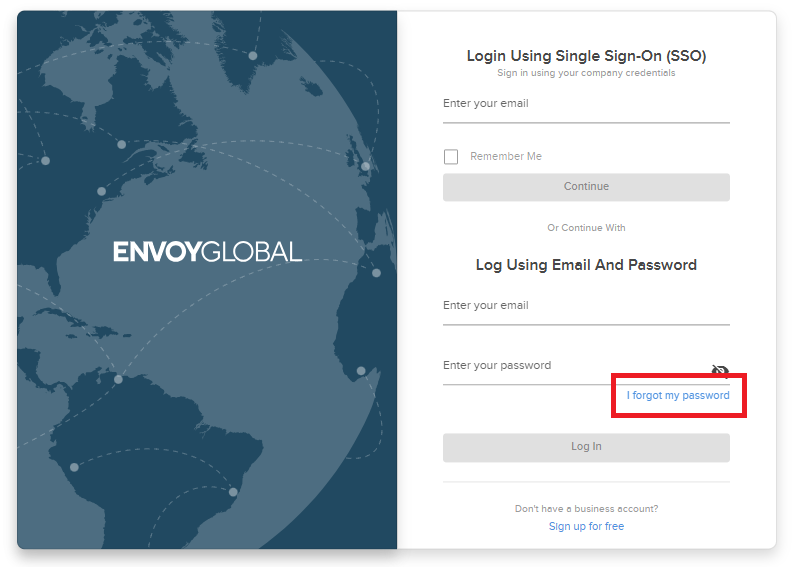
You can reset your password from the Envoy Global login page (https://app.envoyglobal.com/app/login) and follow the below steps: 

  1. Click “I forgot my password
  2. Enter the email address you use to log into your account and submit 
  3. Check your inbox for a password reset email from noreply@envoyglobal.com
  4. Click the link within the email to set a new password 
  5. Confirm your new password

If additional support is required, please start a live chat with Envoy Global Customer Experience in the bottom right corner of the login page. 


Related to: